Synco Documentation
Connect WooCommerce and Odoo, then keep products, orders, customers, inventory, and fulfillment synchronized.
Synco is a standalone WooCommerce ↔ Odoo connector. It combines guided store connections, configurable sync workflows, background jobs, and operational reporting in one dashboard.
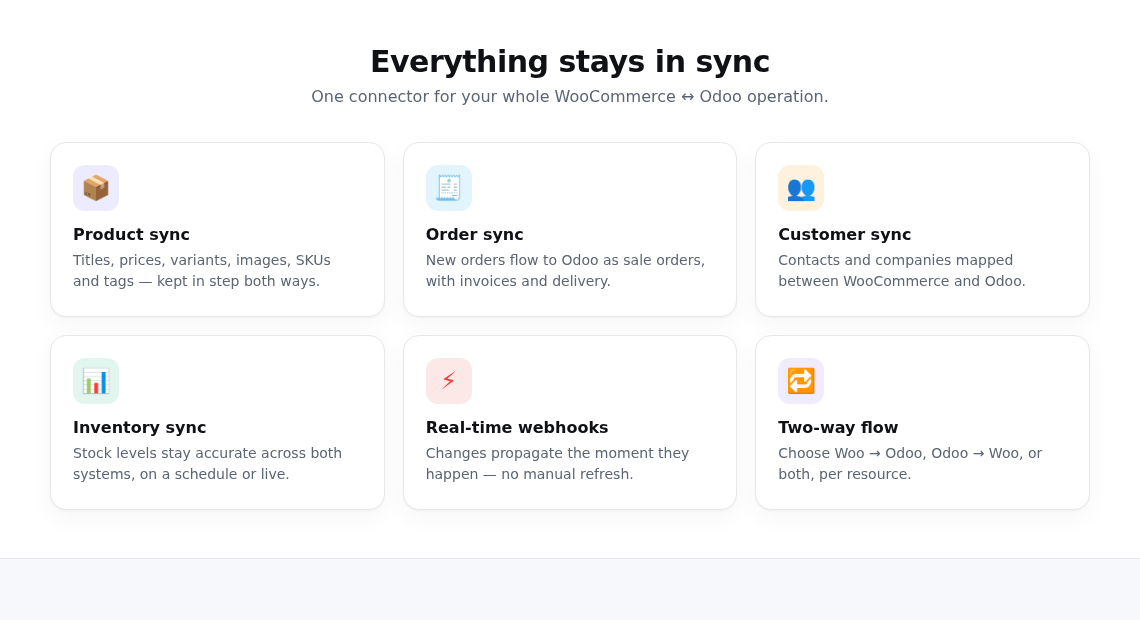
What you can synchronize
| Resource | Supported workflows |
|---|---|
| Products | WooCommerce → Odoo, Odoo → WooCommerce, product matching, images, categories, tags, and selected fields |
| Orders | WooCommerce → Odoo sale orders with configurable invoice, delivery, tax, currency, and customer handling |
| Customers | Automatic and manual customer/contact synchronization in the configured direction |
| Inventory | Instant, scheduled, or manual stock updates using the selected source and Odoo location |
| Fulfillment | Delivery/fulfillment updates using the direction and automation options available in Order Sync |
| Custom fields | Type-checked mappings between WooCommerce fields or metadata and Odoo fields |
Recommended setup order
- Create your Synco account.
- Connect your WooCommerce store.
- Connect Odoo and choose your company and location.
- Review plans and billing.
- Configure product sync, orders, and customers.
- Run a small manual sync and review it in the Jobs dashboard before enabling broad automation.
Start with a clear source of truth
For each resource, decide which system owns the data. Two-way product and stock workflows are useful, but conflicting edits can overwrite one another if both systems are changed at the same time. Start with one direction, confirm mappings and results, then expand automation.